
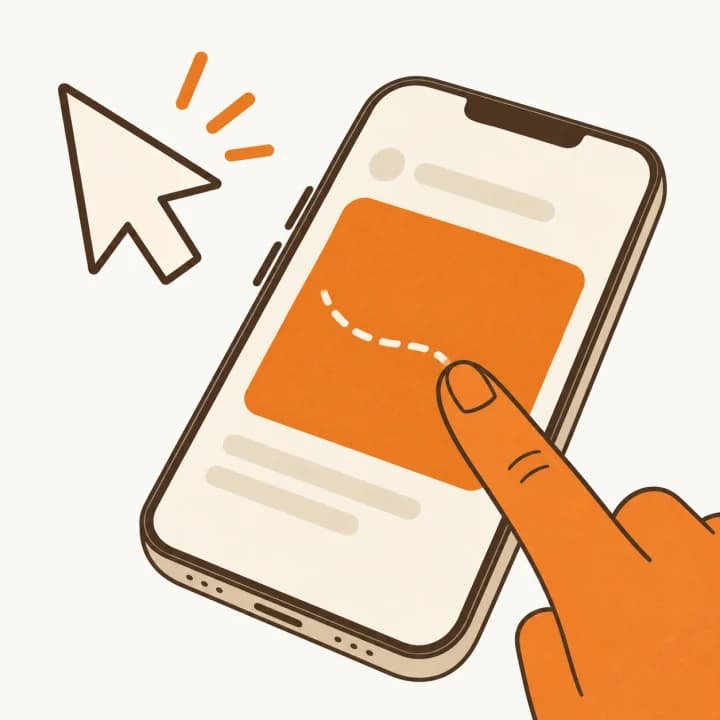
Point & click
Get comfortable. Stay in control.
Tap your Mac's desktop directly, or use your phone as a trackpad. Scroll, zoom, and move around your familiar apps.
Touch, trackpad, and gestures
A small app to bring your devices together
Your desktop, right there on your phone. Click, type, and pick up where you left off, from wherever you feel comfortable.
For Mac + Android, iPhone, or iPad.
Mac and Android downloads available. Mobile store releases coming soon.
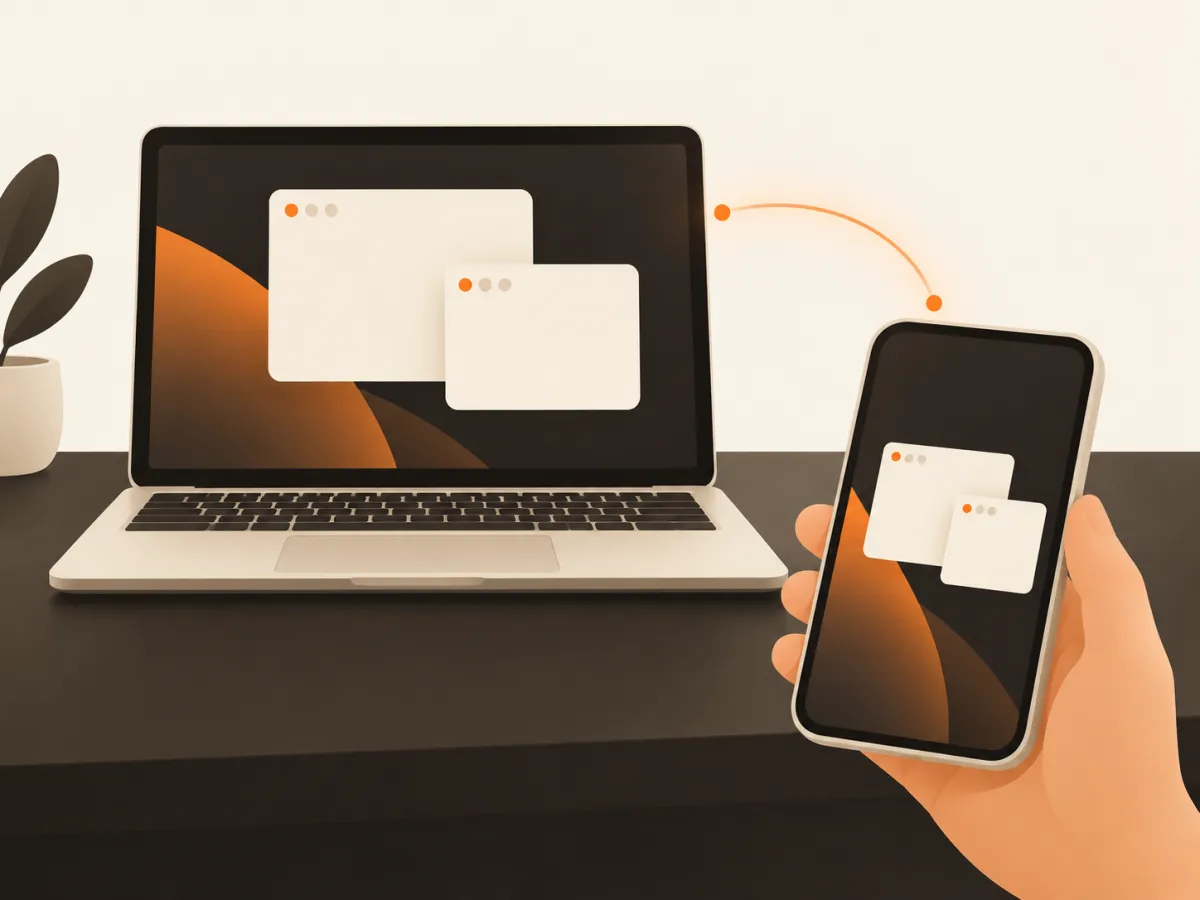
The familiar things
Pause a video from the sofa. Write a quick reply. Bring a file over to your phone. Your Mac is still part of the moment.
Point & click
Tap your Mac's desktop directly, or use your phone as a trackpad. Scroll, zoom, and move around your familiar apps.
Touch, trackpad, and gestures

Type & shortcuts
Reply to a message or take a quick note. Use your phone's keyboard and dictation, along with the Mac shortcuts you know.
Command, Option, Control, and function keys
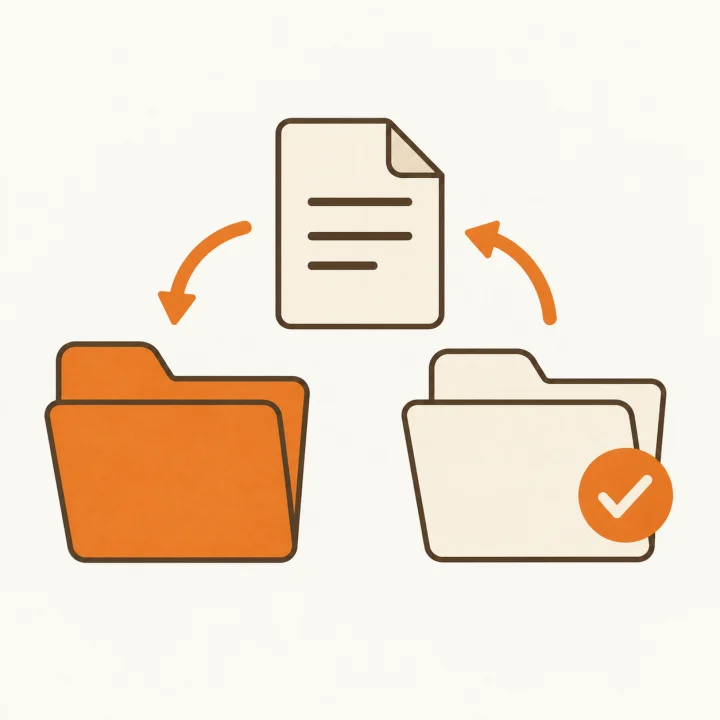
Send & receive
Share clipboard text when you ask for it. Send a file in either direction, with the receiving device choosing whether to accept it.
Your clipboard and files, on your terms
Your Mac's audio can come along, too.
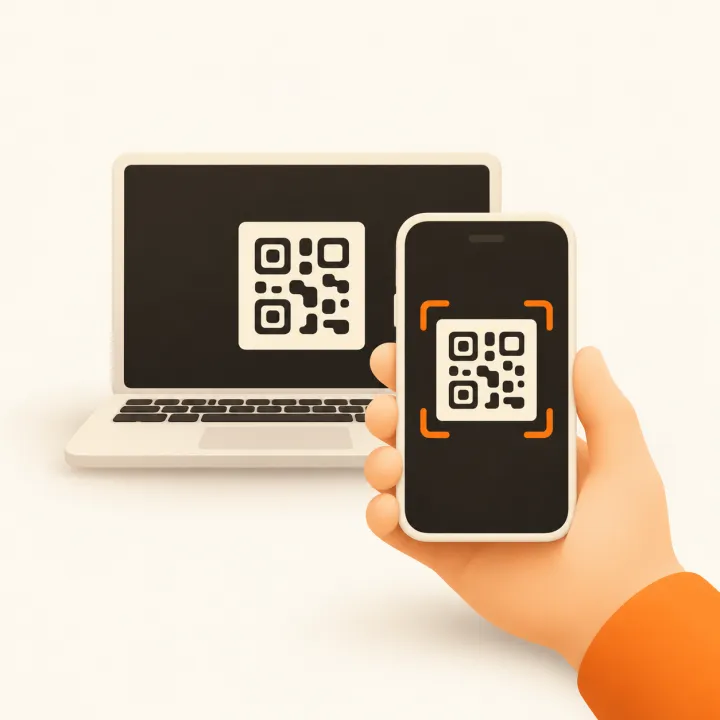
A quick introduction.
A connection you control.
Getting acquainted
Install the menu bar app and allow screen and control access. Connect your phone to the same Wi-Fi, or use Tailscale.
Scan the Mac's QR code with your phone. Check that the short codes on both screens match, then approve on your Mac.
Your desktop is ready to view and control. Your devices remember the pairing for the next time you connect.
At home, your Wi-Fi brings the devices together. Away from home, Tailscale gives them a private connection over the internet, so your Mac can stay on your desk.
Set up Wi-Fi or TailscaleBetween your devices
Connect your Mac and phone directly. Choose when to share your screen, clipboard, and files.
Read our privacy policyApprove your phone on your Mac once, then reconnect when you need it.
Send or fetch text when you need it. Clipboard sharing happens only when you ask.
Open the apps, pair your devices, and get started.
Get Tetherly
Download Tetherly 0.1.0 for Mac and Android. The Mac app supports Apple silicon and Intel Macs running macOS 14 or later. Android requires Android 12 or later. Mobile store releases are coming soon.
Installation and pairingmacOS 14 or later
The menu bar appAndroid 12 or later
Phones & tabletsiOS / iPadOS 17 or later
Phones & tablets